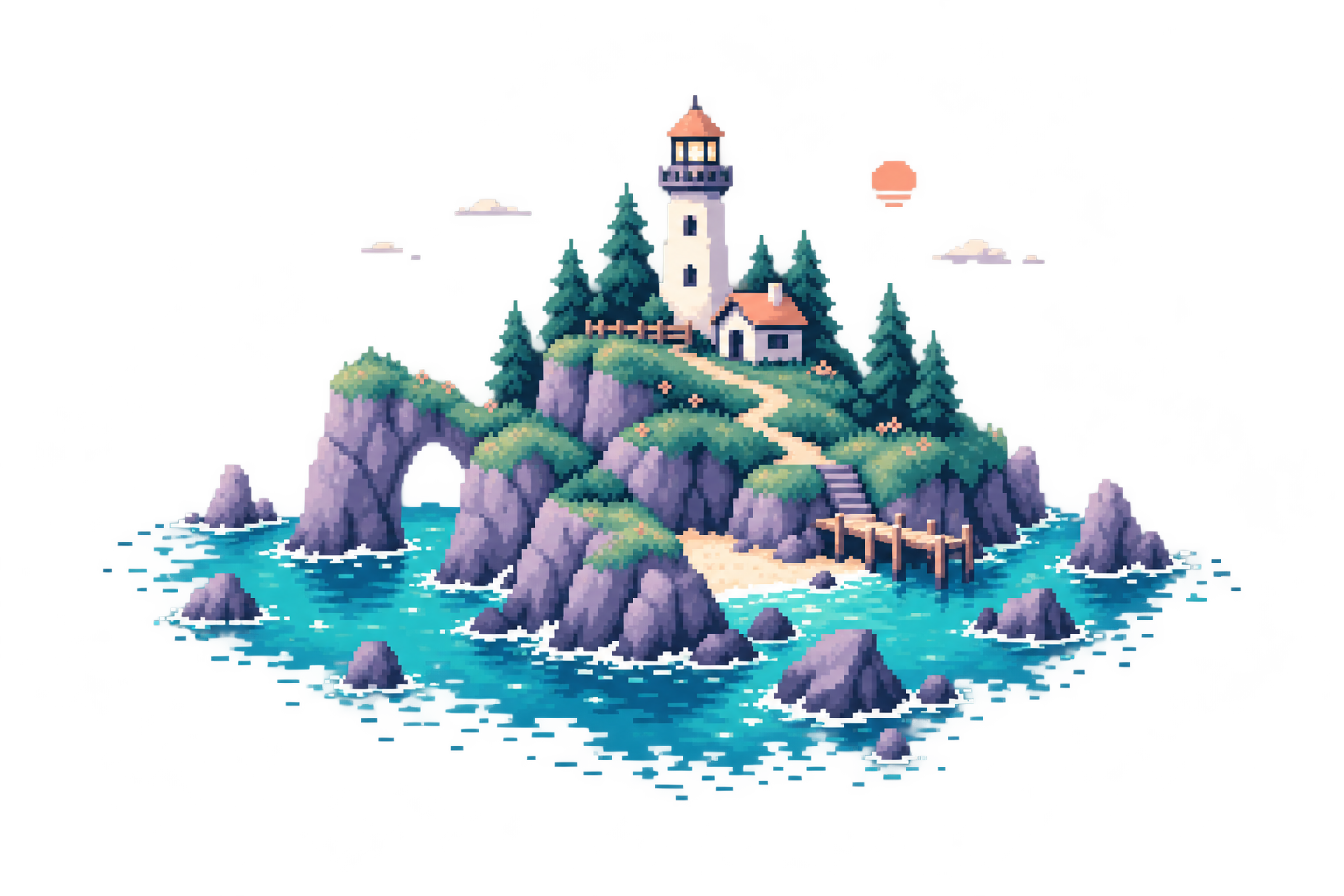
A little moonstone guardian, carved in pixels. Drag across the artwork and watch its faces catch the light. Just like in the Studio.
DRAG, OR TURN THE LIGHT
THE WIND PENNANTPINNED FLAG WAVE
ONE FLAG. A LITTLE BREEZE.01 / 20
02 / MOTION, PIXEL BY PIXEL
Made to catch a little wind.
A standalone flag with a steady pole and moving cloth. A wave starts gently at the seam, then travels to the free edge. Twenty frames, one seamless loop.
Separate layers. Integer pixels. Every frame editable.
pixelixor / moss-scout.pxlLIVE TOOLS
48 × 48 PX · TRANSPARENT
PALETTE STUDIOON YOUR DEVICE
A TINY WORKSPACE. REAL STUDIO TOOLS.
03 / LESS FUSS. MORE MAKING.
One sprite. Three little worlds.
Swap a whole color family together. Keep the shading, change the character.
Choose a tool above to see it in action.
INTERACTIVE STUDIES · MADE WITH THE STUDIO TOOLSEXPLORE ← →
FROM REFERENCE TO REAL THING
A new life for every image.
Bring the inspiration. Keep the control. Build something that feels entirely yours.
01
Drop in your inspiration.
A photo, a sketch, a character. Open a PNG, JPEG, WebP, GIF, or BMP and find its pixel potential.
YOUR STARTING POINT ↗
02
Find your pixel language.
Set the resolution, choose a palette, and dial in the dithering. Preview the result before you commit.
EVERY DETAIL, YOUR CALL ↗
03
Make it unmistakably yours.
Refine with precision tools, build layers, animate frame by frame, and export something worth sharing.
Pencil, eraser, fill, shapes, selections, and symmetry. Work with layers, opacity, blend modes, and a pixel grid.
BEGMFeels familiar from the first click.
▤
Bring every frame to life.
See what came before and what comes next with tinted onion skins. Duplicate frames, adjust timing, and play it back.
01020304▶
↗
Your art. Your files.
Export transparent PNGs, animated GIFs, or sprite sheets with frame data. Save an editable project and pick up where you left off.
.PNG.GIF.PXL.JSON
GOOD TO KNOW
A few little details.
Less setup. More making.
What does image-to-pixel conversion actually do?
Pixelixor resamples your image to a smaller pixel grid, reduces it to a controlled color palette, and optionally applies dithering. It gives you a clean starting point to refine by hand. It does not use generative AI or automatically redraw objects.
Are my images uploaded anywhere?
No. Image processing and editing happen in your browser. Files are not sent to a Pixelixor server. Optional recovery copies stay in your browser on this device.
Can I create animations?
Yes. Add or duplicate frames, change individual frame durations, use previous and next onion skins, and preview your animation. Export a looping GIF or a PNG sprite sheet with JSON timing data.
Does it work with Aseprite files?
Pixelixor uses its own .pxl project format. Native .ase and .aseprite files are not supported. You can move artwork between tools using PNG images or sprite sheets.
Which devices work best?
A desktop or laptop with a current Chrome, Edge, Firefox, or Safari works best. Tablet and touch input are supported. Smaller screens use a condensed workspace. Canvas sizes up to 512 × 512 pixels are supported.
 pixelixor